Doing it yourself? Here is how I would do it.

I build websites for a living. This page tells you how to build one without me, properly, for about $450 a year. No email required, nothing to sign up to, no catch.

Free, nothing to sign up to About $450 for the first year Six steps, one weekend
Start at step one
Step one

Pick the platform, then stop looking

Use Squarespace. It is the right trade when you are doing this yourself. You buy a template, swap the photos and the words, and it looks finished. Booking, a mailing list with proper subscribe and unsubscribe, forms and payments are all built in, with nothing to configure and no plugin to keep updated.

It gives you fewer choices than the alternatives. That is the feature. Every choice a builder offers you is a decision you have to make and an afternoon you do not get back.

Why not Wix

Far more control than you need, and the moment you nudge a template it tends to come apart. Putting it back together is exactly the time you were trying to save.

Why not WordPress

It is the most capable of the lot and it will happily eat your weekends. Plugins, updates and security are now your job, forever. Wonderful with a developer, punishing without one.

Why not build it with AI

The first draft looks brilliant. Six months later something breaks and you cannot read the code. Worth it if you already write software, a trap if you do not.

Pay for the year, not the month

An annual plan is normally about 25 percent cheaper than paying monthly, and it is the same product. Ask what discounts are going before you put a card in.

Step two

Build seven pages, and nothing more

Home

Who you help and what you do, in one sentence, before anyone has to scroll.

About

The story, and why you exist. This is the page people actually read before they call you.

What we do

Your services or programs, described plainly. One short paragraph each is plenty.

Book or enquire

A live calendar if you take appointments. Otherwise a form that lands in your inbox.

Pay

One button, one amount field, if you take money on the site. Every extra step here costs you money.

Contact

A form, not just an email address on the page. Addresses get harvested by spammers.

Privacy

Required the moment you collect an email address. Your platform has a template for it.

That is the whole list

Resist adding more. A small site that is finished beats a big one that is half written, and every extra page is another thing you have to keep true.

Step three

The five settings that decide whether anyone finds you

This is the part almost every self built site gets wrong, and it is the part that costs you visitors. None of it needs a developer. All five are settings inside your builder, and they take an afternoon between them.

1. Let the search engines in

Builders ship new sites hidden from search so your half built draft does not leak, and people forget to unhide them. Find the setting, switch it on the day you go live. If this one is wrong, nothing else on this list matters.

2. Write a real title and description on every page

Not the default the template gave you. These two lines are what Google puts in the results, and they are what ChatGPT, Gemini and Perplexity read when someone asks about a service like yours. Say what you do and where you do it.

3. Turn on the social preview image

Without it, every link you share to Facebook, WhatsApp or LinkedIn arrives bare, with no picture and no headline. It looks broken, and people do not click things that look broken.

4. Fill in your business details properly

Name, location, contact, opening hours, the areas you serve. Your builder turns this into the structured data that search engines and AI assistants quote back when they name a business. Leave it blank and you are invisible to them, however good the site looks.

5. Describe every image

One short line per photo saying what is in it. It helps search understand the page, and it means somebody using a screen reader can actually use your website. Both reasons are good ones.

When you are done, run your address through my free checker. It scores any website on both normal search and AI search, it takes about thirty seconds, and it does not ask for your email. It will tell you whether the five above actually landed.

Check my website free
Step four

What it should actually cost

Your own domain

About $20 to $35 a year, bought in your own name.

An annual platform plan

About $300 to $420 a year. Pay yearly, never monthly.

A template

Nothing to $100, once, and only if it is not already included.

Email on your own domain

Nothing to $110 a year, depending on who you use.

First year, all in: about $450.

If someone quotes you thousands to set up a do it yourself site, they are charging you for labour you already said you would do.

Step five

Three traps to dodge

Register the domain in your own name

Never let a builder, an agency or a helpful friend hold it for you. If they hold it, you cannot leave, and that is how people end up stuck paying someone they no longer like.

Export your mailing list regularly

A spreadsheet on your own computer, every few months. The list is the one asset your platform cannot replace for you if something goes wrong.

Do not prepay three years to one company

Buy one year, see how you go, keep the rest of your money where you can still spend it on something else.

Step six

The order to do it in

Buy the domain first. Start the platform trial second. Pick the template third. Then write all your words in a plain document before you touch the design, because writing first is the thing that saves the weekend. Publish at seven pages, and do the five settings in step three on the day you go live, not later.

Buy the domain

In your own name, before anything else gets decided for you.

Start the trial

One platform, one trial. Do not open four tabs and compare.

Pick the template

Choose the one closest to finished, not the one easiest to change.

Write the words

Plain document, all seven pages, before you touch the design.

Publish and switch on

Go live at seven pages, and do the five settings the same day.

For reference

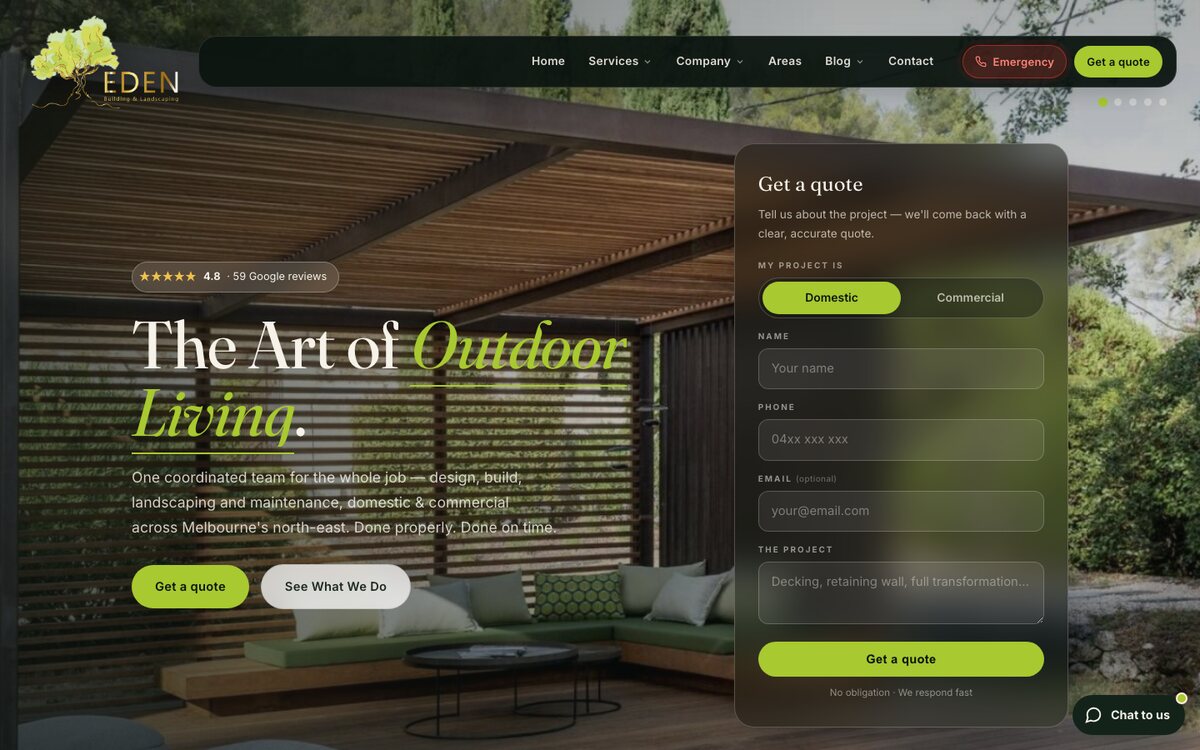
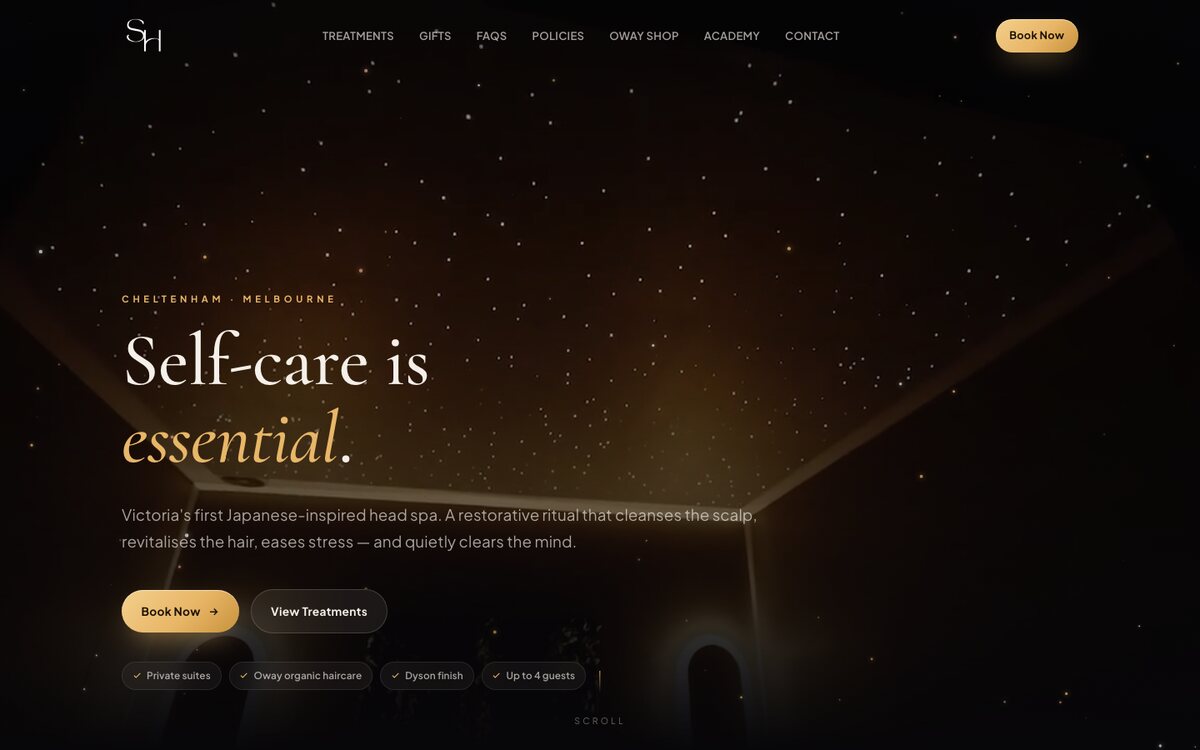
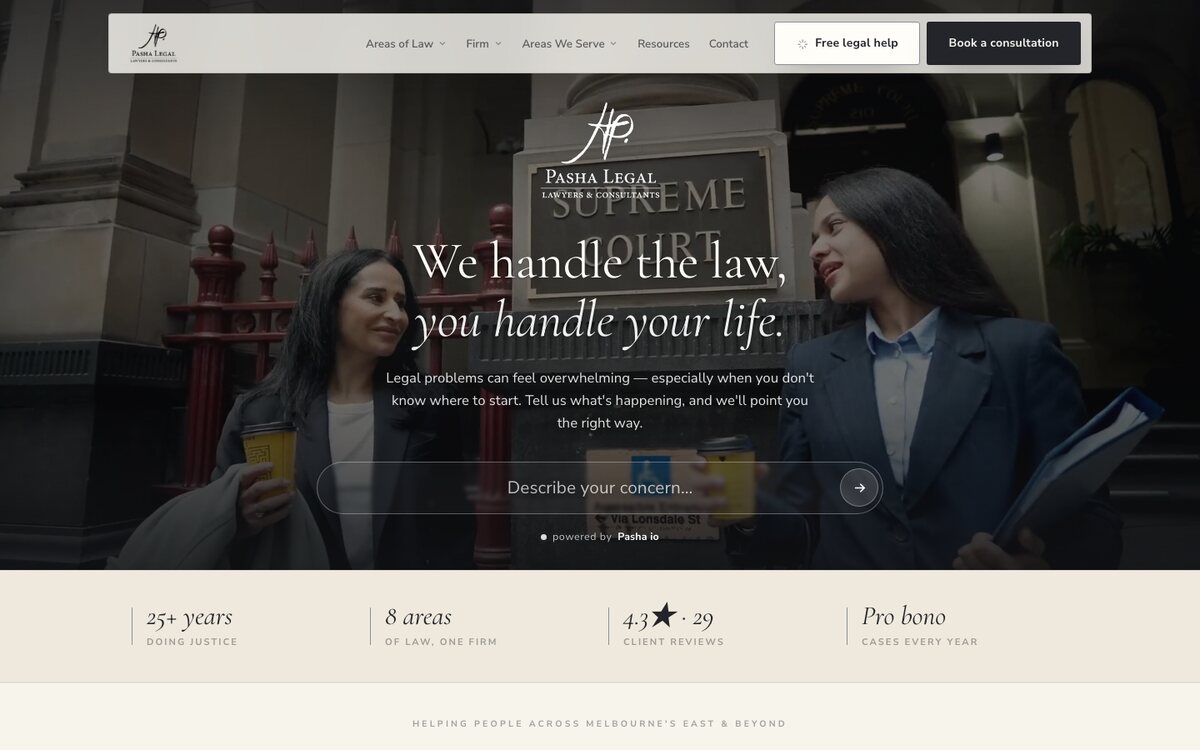
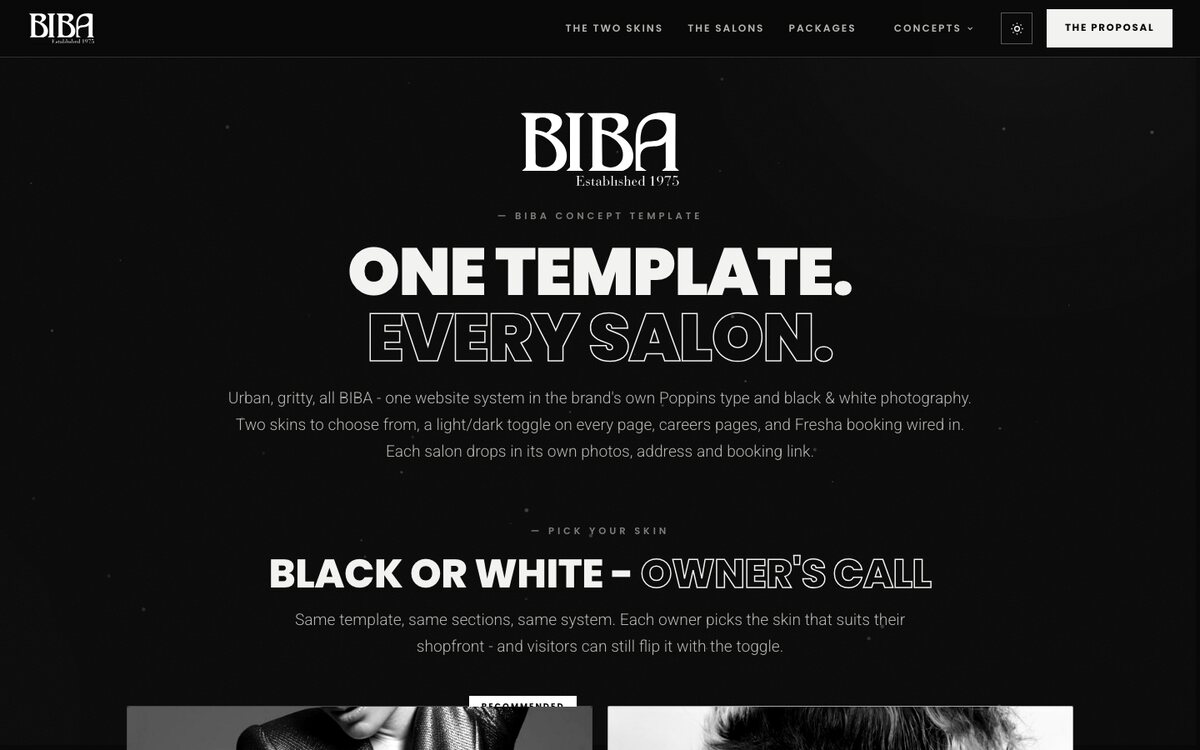
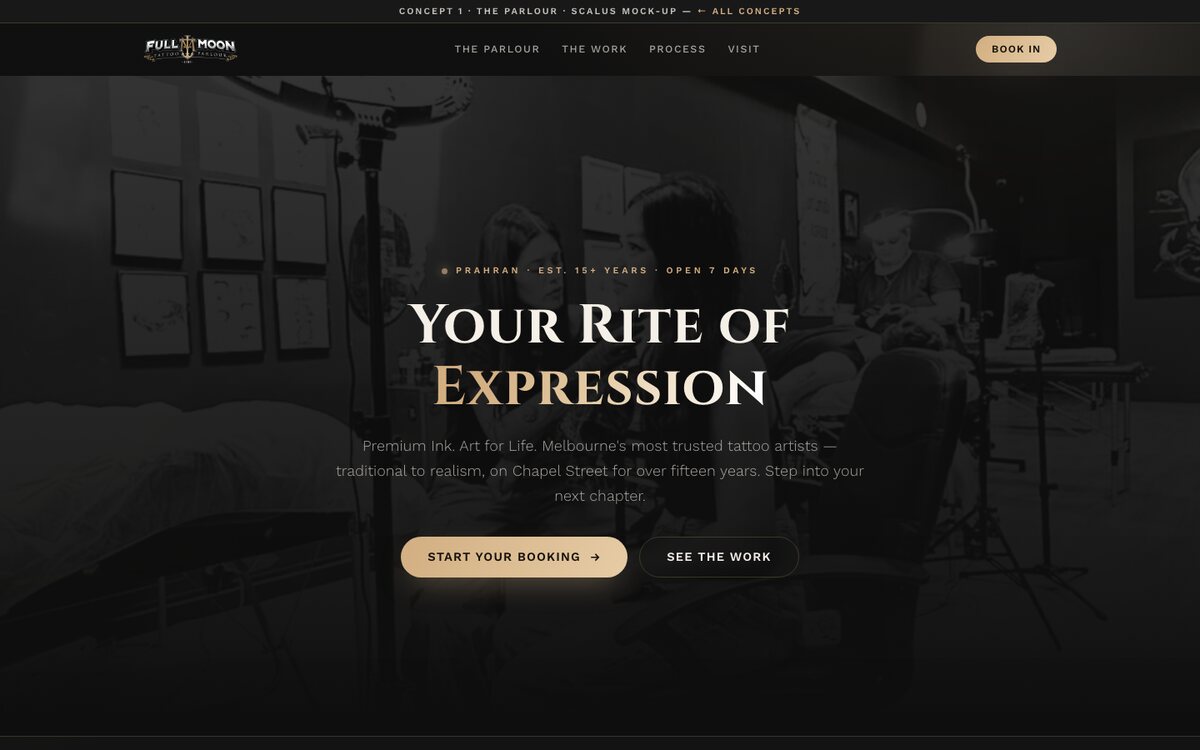
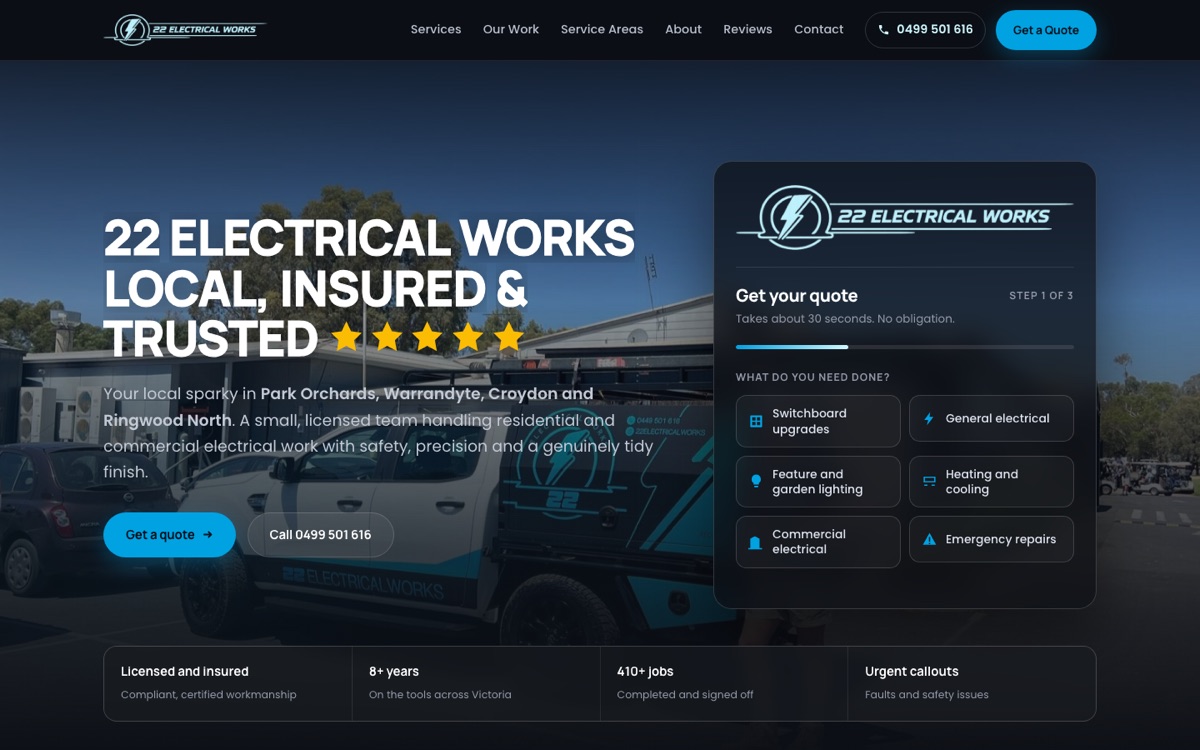
Some sites I have built

Not here to talk you out of it. They are here so you can see what finished looks like, and steal the structure for your own. Every one is a real business, and the bones under all of them are the seven pages in step two.
See the rest of the work
The honest bit

When it is worth paying someone instead

Everything above works. Plenty of businesses run happily on a site they built themselves, and I would rather you did that well than paid me badly.

It stops being the right call when the website is how you get customers. Then the question is no longer what it costs, it is what it earns, and the weekends you spend fiddling with it are weekends you are not working. If you get to that point, that is what I do, for $225 a month, and you can ring me about it.

See what $225 covers
Questions

Straight answers

Why is a web designer telling me how to avoid hiring one?

Plenty of people cannot afford a monthly plan, and plenty simply would rather not pay one. Both are fair. Most of what makes a website work is knowledge rather than labour, so I wrote the knowledge down instead of sending people away with nothing. If you have more time than money, this page is the better deal for you.

What is the best website builder for a small business in Australia?

Squarespace, if you are building it yourself. It gives you fewer choices than the alternatives, which is the point. Booking, a mailing list with proper subscribe and unsubscribe, forms and payments are all built in, and the templates hold together when you edit them.

How much should it cost to build my own website?

About $450 for the first year in Australia. Roughly $25 for the domain, $300 to $420 for an annual plan, nothing to $100 for a template, and nothing to $110 for email on your own domain.

Can I use AI to build my website instead?

You can, and the first draft will look impressive. The trouble comes six months later when something breaks and you have no idea what the code does. If you already write software, go ahead. If you do not, a template you can edit on a Sunday afternoon is worth more than clever code you cannot maintain.

Will my own website show up in Google and ChatGPT?

Only if you switch on the five settings in step three. Builders ship new sites blocked from search and most people never unblock them. Structured business details and a real page description are what Google and the AI assistants read when they decide which business to name.

Can I ask you a question about my own site?

Yes. Ring 0468 085 444 or email hello@scalus.app. If it is a quick one I will just answer it, and there is no charge and no catch for that.